Dear Bhav… is accessibility killing my brand's personality
Kicking things off with a great first question that I think a lot of people will relate to, especially if you've ever stared at an accessibility checklist and felt your creative soul slowly leaving your body.
With so many rules to follow for accessibility, from WCAG to individual decisions made on a service basis, how do you stop everything looking identical? How do you keep the fun in accessibility?
Dear Standardised & Stressed,
First of all, this is a great question. Accessibility is important and I completely understand why it can cause so much anxiety. It’s a huge myth that accessible design has to look like a GP waiting room. Beige walls, black Arial, white background, zero joy. I get why people think that, but it's just not true.
Accessibility isn’t the boring extra bit you tack on at the end of a project. It’s part of good design right from the beginning. If you ignore it, you don’t just risk excluding people, you also make your design harder to use, harder to understand, and often harder to love.
Accessibility doesn't kill your brand personality
Accessibility is about making your design usable for as many people as possible, including people with visual, motor, cognitive, and hearing impairments. It isn’t just “nice to have”; in many places it’s also tied to legal obligations through standards like WCAG for digital content. The good news is that working within these guidelines doesn't mean getting rid of your personality. It just means being a bit more thoughtful about how it comes across.
Here’s a really good way to think about it:
accessibility is about how your brand works.
personality is about how your brand feels.
The two aren't in competition with each other. A website or printed brochure can pass every accessibility test and still be full of humour and warmth; bold typography and illustrations that make people smile.
Let’s break this down into a few simple things you can start doing today.
On screen
Your website needs to be inclusive and work for everyone, including people with visual, hearing, motor, or cognitive impairments. Accessibility guidelines cover things like contrast, resizable text, clear buttons and links, video captions, and being fully navigatable by keyboard alone
A fully accessible site can still have bold typography, illustrations, and a strong brand voice
WCAG guidelines don’t tell you what colours you can or can’t use - you just need to make sure there’s enough contrast (you can use an online contrast checker like this one) For example, neon lime green on white is a nightmare (for everyone, not just those with visual impairments), but that same neon lime green on a deep navy background? That becomes stunning and readable. See? You get to have your cake and actually see it too!
The same goes for text size. That tiny minimal body copy might look sleek on a mood board, but in the real world it just means people squint, struggle, and give up. Not accessible and bad for business!! You can use browser based accessibility tools to check your text sizes so there's no excuse really!
In print
What about the brochure you're handing out at a networking event? The flyer you've posted through someone's door? The leaflet sitting on a coffee shop table? Print has its own accessibility considerations, and they’re equally as important as the digital requirements. Colour contrast, finish, and type choices can all behave differently once something's been printed and is actually in someone's hands.
Contrast can (annoyingly) change once your design is printed, especially on uncoated or recycled paper which absorbs ink differently, so try and check colours on a printed proof before you’ve got 5000 copies of a brochure that no one can read
Glossy finishes can cause glare and reduce readability; matte or silk finishes are usually better for text-heavy pieces
Delicate or thin typefaces that might look great on screen are likely to become illegible when they’re used at a smaller sizes in print
Consider dyslexia-friendly typefaces - a lot of them are both accessible and genuinely nice (this applies to digital too)

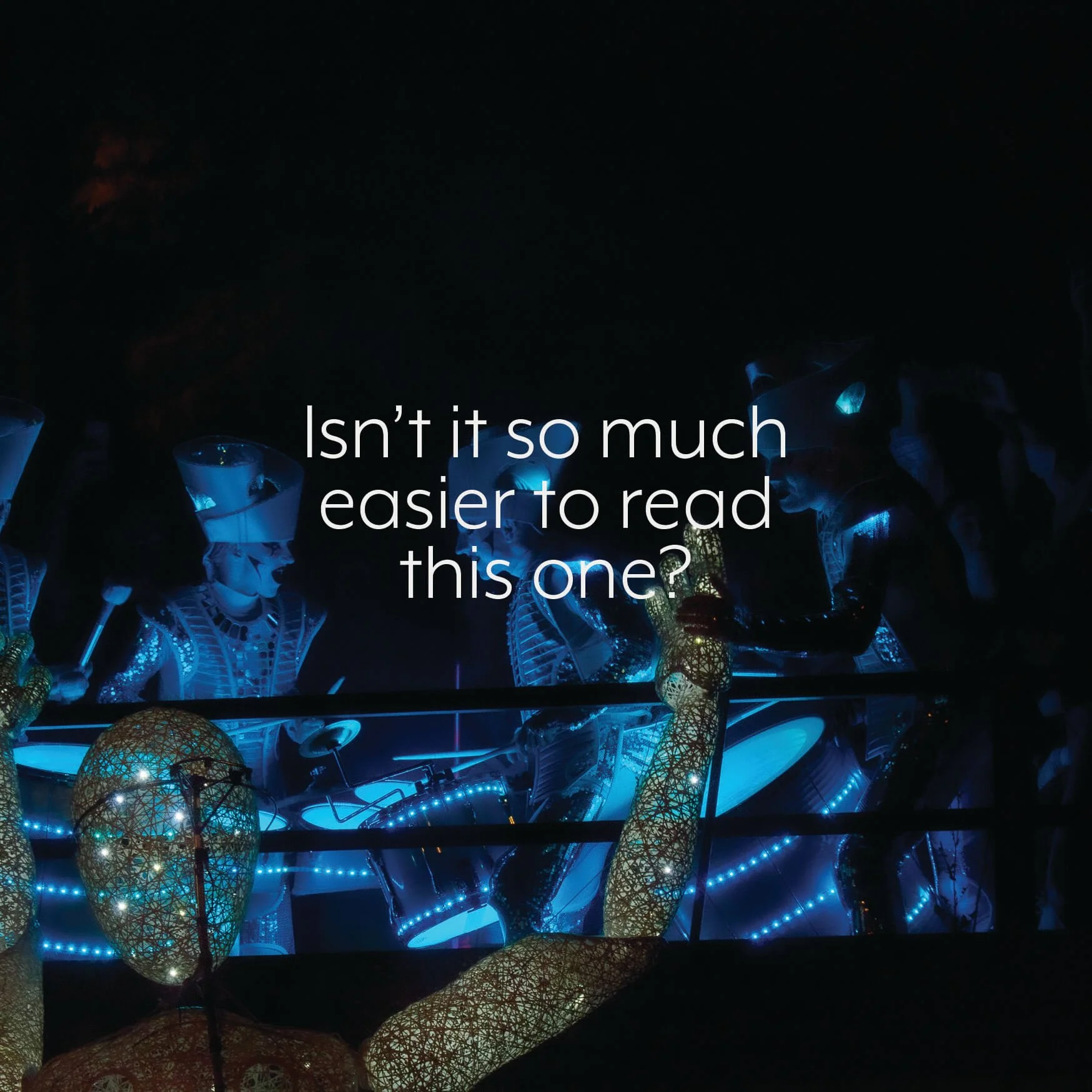
Two pages from my book, Wise Words, showing how a little bit of image manipulation can make text more legible and accessible.
The bottom line
When brochures and websites all start looking the same and losing any brand personality, it's not because of accessibility guidelines, it's because people are playing it safe and defaulting to templates. You should try and think of WCAG as the rules of a game. Everyone has to play by the same rules, but how you play within them is entirely up to you. Plenty of people make brilliant things within constraints… that's just called good design.
And then there are the people who ignore accessibility altogether and look like they don't care. Which, fair enough, maybe they don't, but that's a terrible brand message to send isn’t it?!
Whether it's your website or your printed materials, accessible design and beautiful design are not opposites. They're the same thing done well, working hand in hand to make sure no one gets left out.
Go and make something brilliant.
Onwards,
Bhav x
If this sounds a bit too familiar, you don't have to figure it out alone. Book a call with me and let's work together to make sure your brand is as inclusive as it is beautiful.
Go on, ask…
Got a burning brand question you're too embarrassed to ask out loud? Whether your logo is giving you a headache, your website feels a bit Frankenstein, or you just don't know where to start, send it over completely anonymously to dearbhav@b81designs.com.
No judgement, just honest advice. Anonymously.